Recording or streaming SYQEL is very easy with OBS!
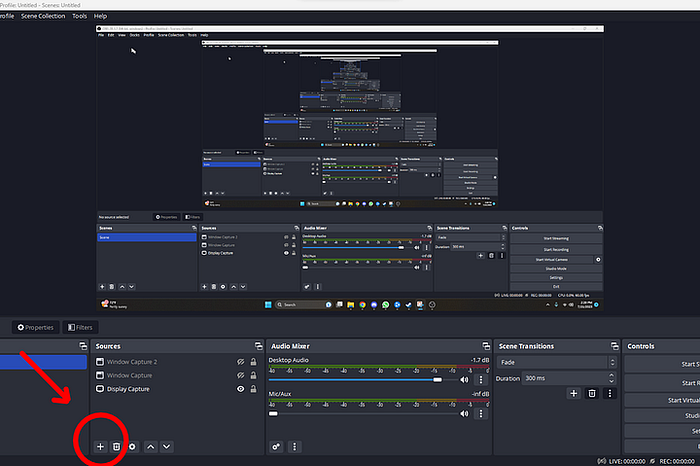
1: Launch OBS and create a new window capture source.
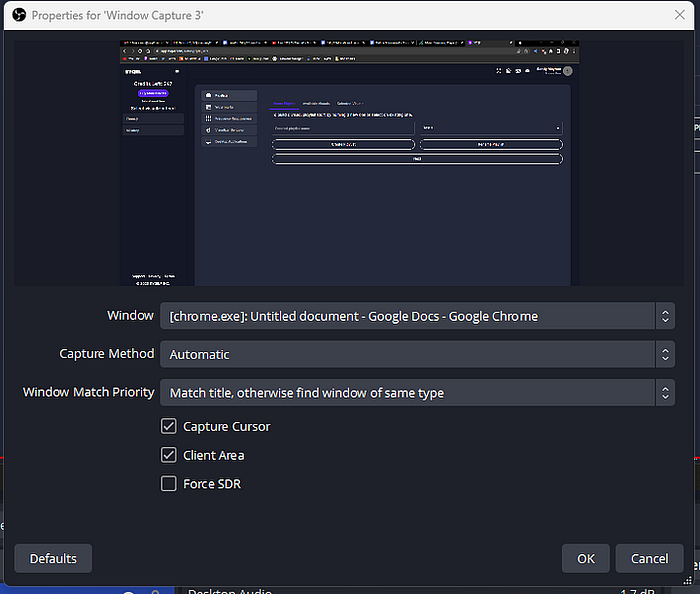
2: Select Window Capture.
3: Have Google Chrome be the source! You should see SYQEL in your new window source.
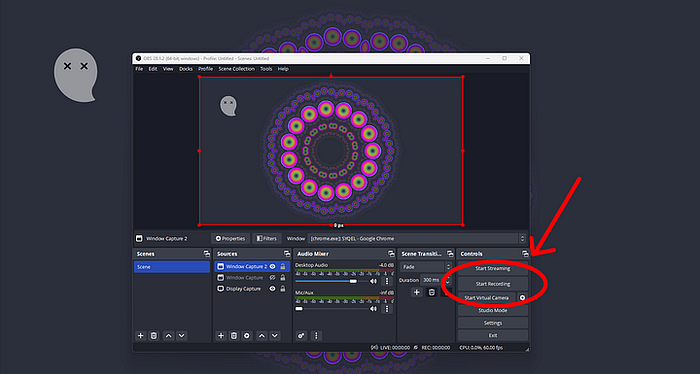
To have SYQEL go full-screen, hit “h” to hide the toolbar at the top, and then click on the left hand menu button to collapse the visualization feed menu. You are then ready to stream/record!