By default, SYQEL ships with the following keyboard shortcuts:
- RETURN (Enter) – Toggles locking/unlocking the visual on screen so it does not skip automatically to the next visual
- SPACE – Skip to next visual
- H – Toggles the top bar – Hide/show
- L – Toggles Logo watermarks on/off
- 1-9 – Activate the Logo watermarks associated with the each number
- V – Toggles the visualizer screen on/off (black overlay)
- M – Toggles the Marquee on/off
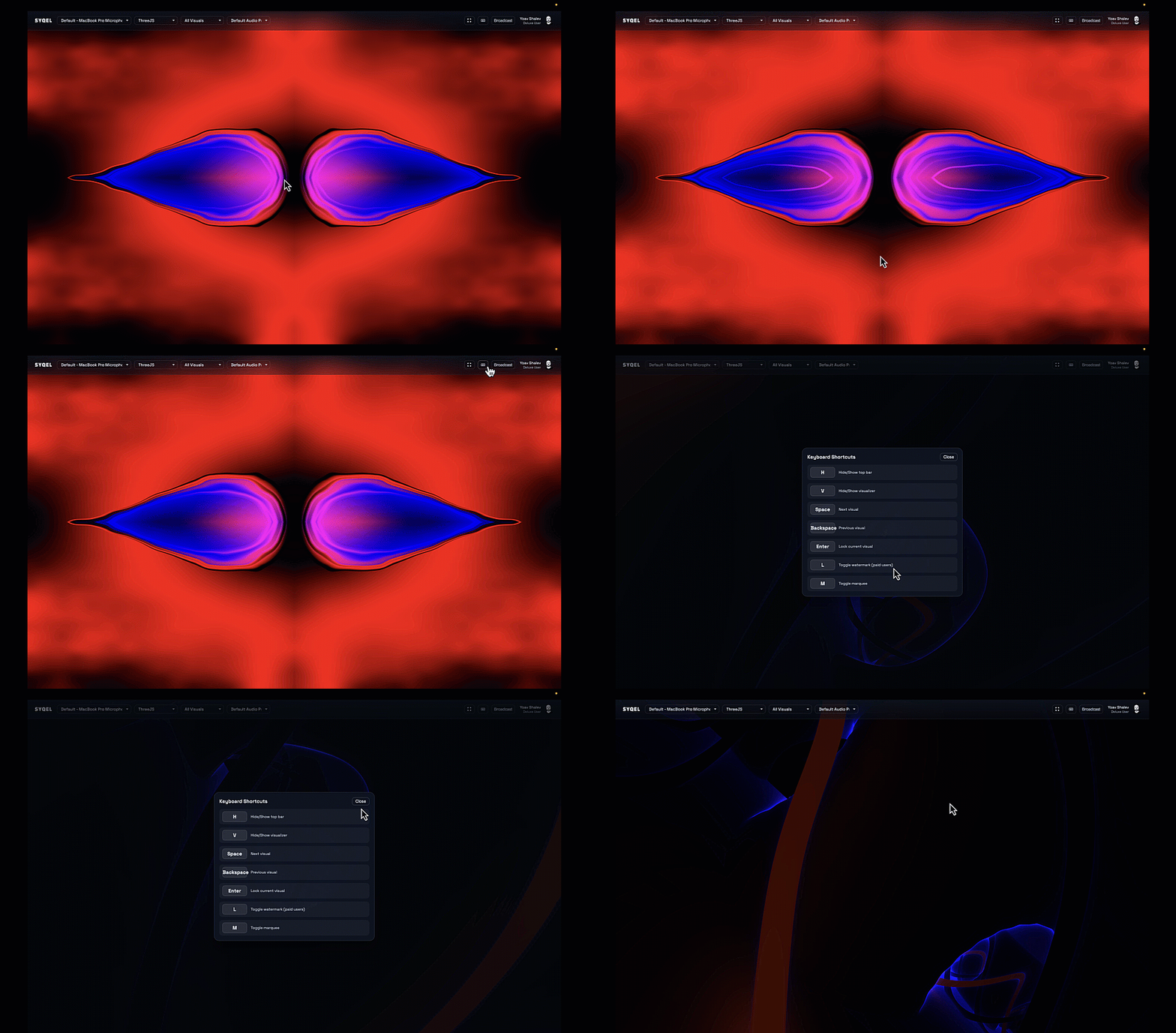
As you preview SYQEL, some of these shortcuts maybe inactive and will unlock with a premium plan.
The ability to remap and/or assign MIDI keys to any of these key-binds will only be available to users who have an active Pro subscription plan or higher.
To remap any key click on the remapping button first, then click on the desired key on your keyboard.
Once selected, the app will automatically save your new setting.