Regardless of which visual feed you select, you will always have the option to set what audio preset you would like the visualizer to react to.
These presets act like equalizer settings that only impact how the visualizer “hears” the audio, analyzes it and determines how to behave,
This is where you select if you want the visualizer to be more responsive to High, Mid, Low or custom frequencies.
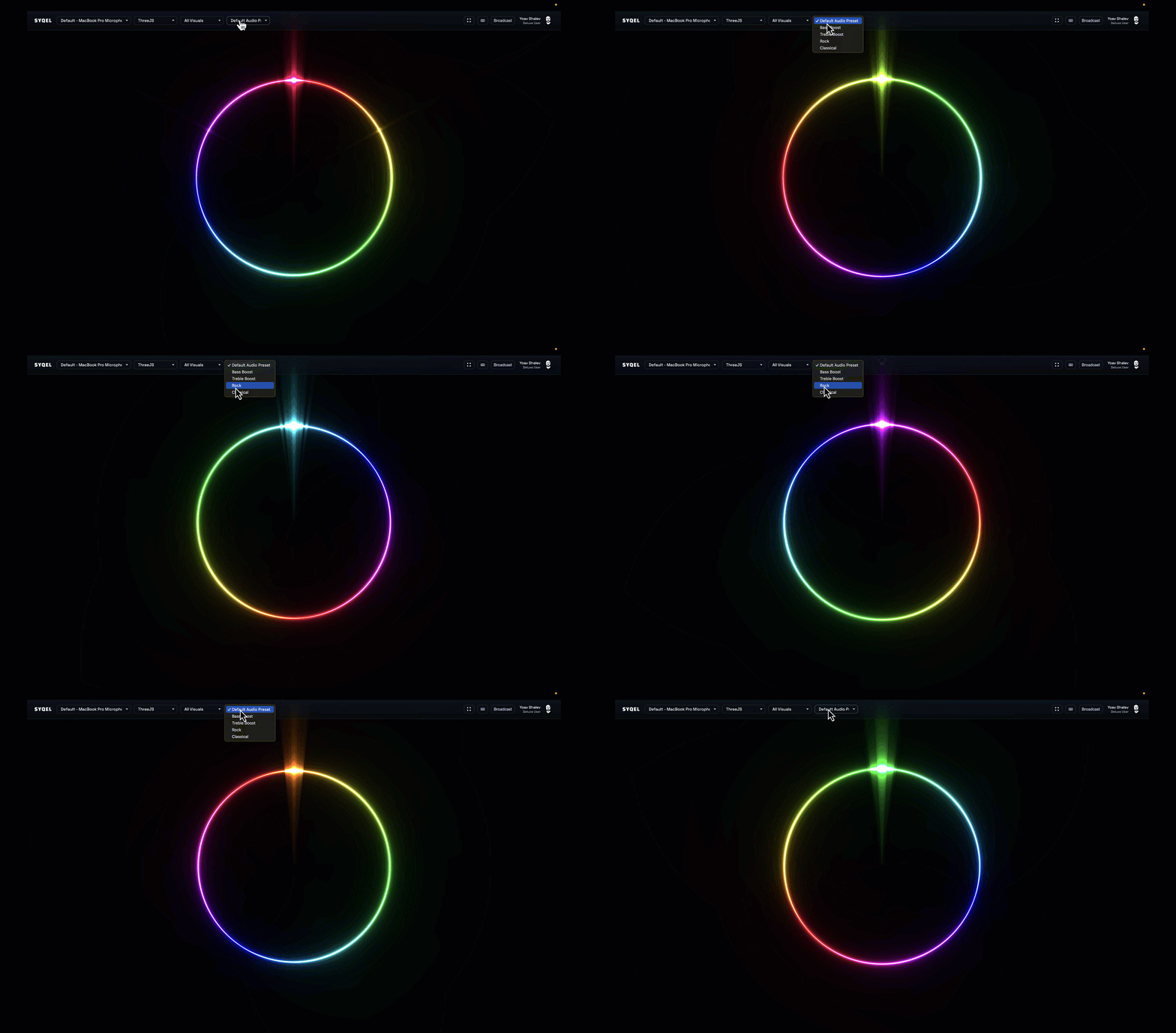
We provide you with default options, but you can also create your own custom presets within the settings section. Note that a subscription is required to create custom presets.